
How Nitor Fit works
The apps that hook you get blocked.
And to open them….. you move.
The problem with ordinary locks
You’ve probably already tried setting yourself a time limit.
And you know how it goes: the warning appears, the «ignore limit» button appears with it….. and you tap it.
That isn’t your fault. A lock you can open yourself in two taps isn’t a barrier, it’s a reminder. And reminders get ignored.
Nitor Fit swaps the button for a small bit of physical effort.
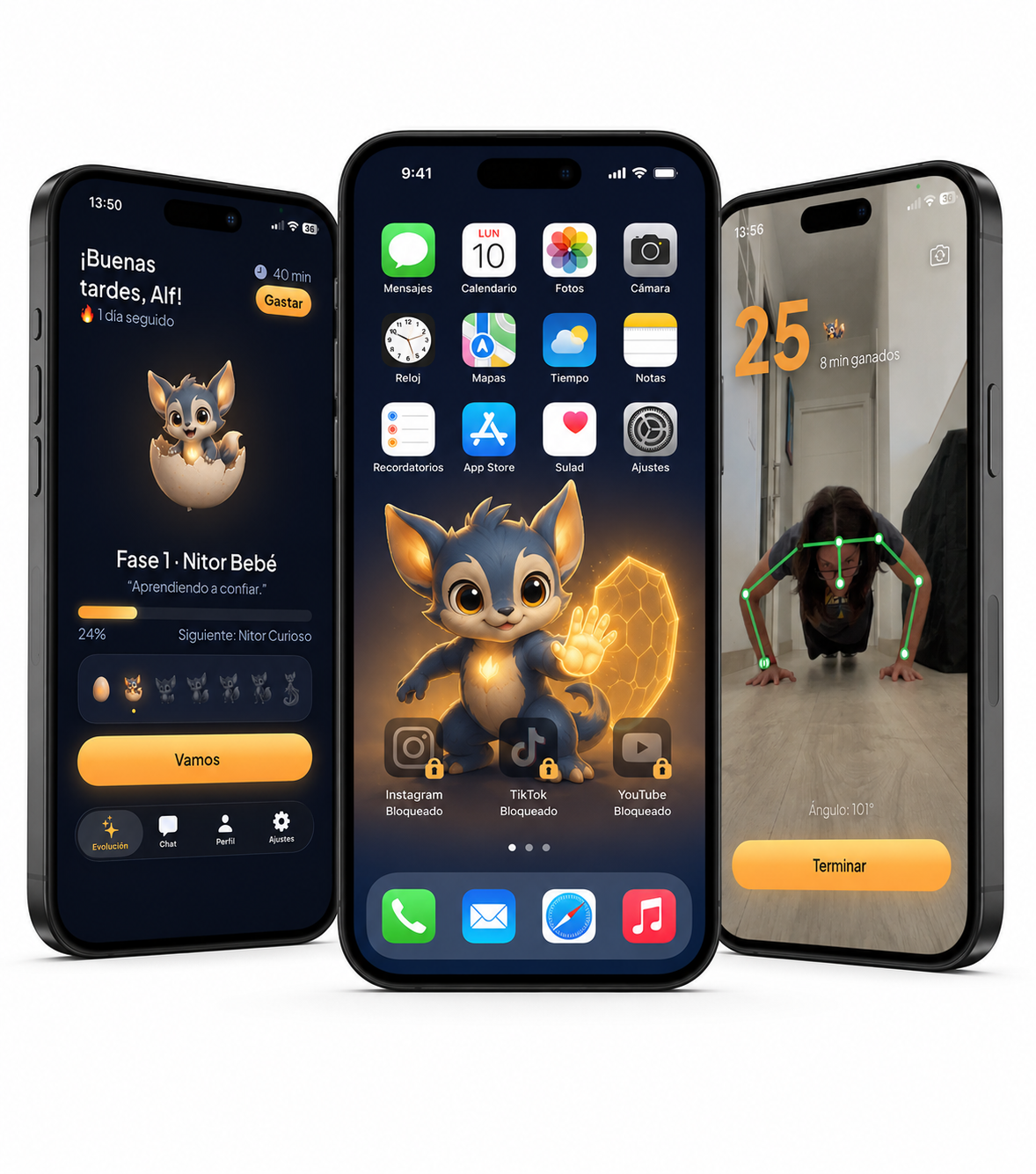
1. You choose which apps to block
Instagram, TikTok, YouTube, games… whichever ones get away from you.
Nitor Fit uses Apple’s own system (Screen Time), so the block is real: when you try to open them, they don’t open.
2. You move to unlock them
You put the phone on the floor, turn side on, and get on with it.
The camera reads your posture and counts the reps. It calls them out loud and vibrates on each one, so you never have to look at the screen.
- Press-ups
- Squats
- Steps (those count themselves, you do nothing)
- The Daily Reset, for the days when you don’t fancy any of it
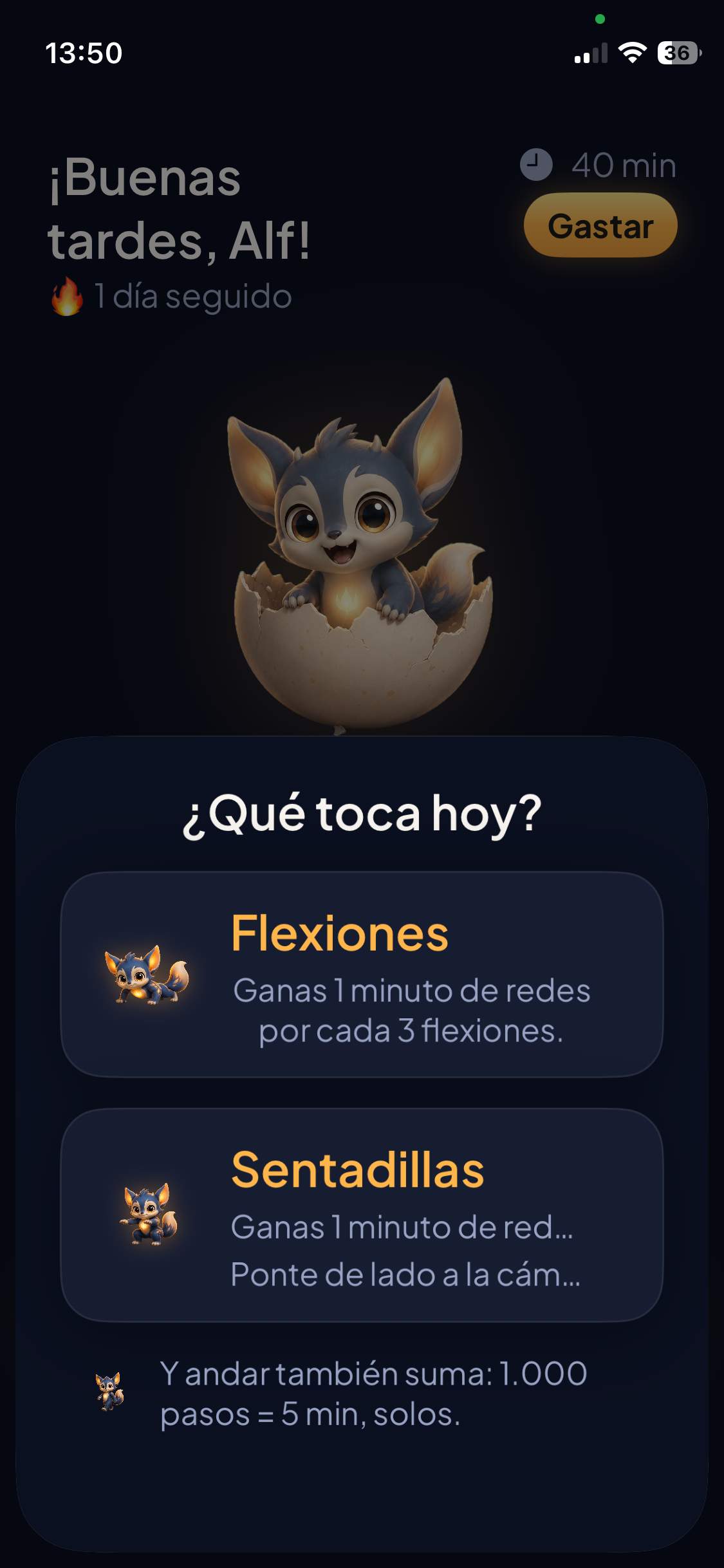
3. Every rep is worth minutes
Reps turn into minutes of use, and those go into your bank.
When you want to open your apps, you spend whatever minutes you need. They run out….. and the apps lock again.
You can bank up to 60 minutes. Spend them and you earn more. So your phone is never infinite, but you’re never cut off either.
Walking counts too: every 1,000 steps is 2 minutes, without you doing a thing (up to 20 a day).
The Daily Reset: for the days you can’t face it
Some days you are not going to do press-ups. Not one.
That’s what the Daily Reset is for: nine gentle chi kung and tai chi movements, guided by Nitor. Soft bounces, spine waves, trunk twists, loose arms, marching on the spot, horse-stance squat.
No floor, no kit, no counting reps. It’s built for someone who’s been sitting for eight hours….. which is exactly the person who isn’t going to get down on the floor.
Here the camera doesn’t count reps: it just checks that you’re moving. If you stop, the clock stops with you.
The routine takes you about 5 minutes and gives you 10 minutes of social media: you earn double what you put in.
As Nitor grows you move up to level 2, where the movements last twice as long: around 10 minutes of routine for 20 of social media.
Night blocking
You pick a window at night and, inside it, your apps won’t open even if you spend minutes.
It’s the difference between «I’ll earn it» and «not at this hour, full stop». The iPhone itself enforces it, so it works even with Nitor closed.
It’s included in Nitor Pro.
And Nitor grows with you
Nitor is the creature that lives in the app. It starts out as an egg, and with every rep you do it fills with light.
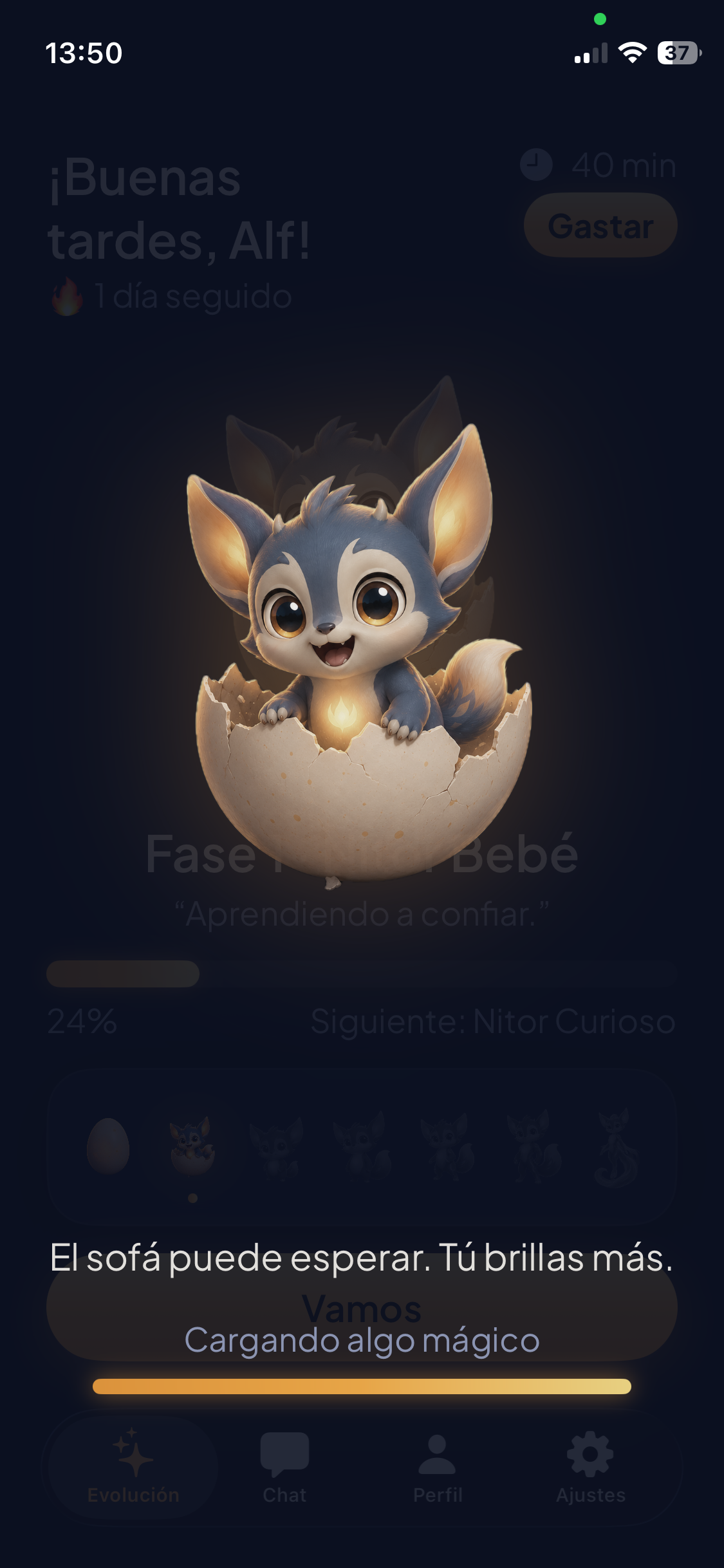
It passes through seven forms, from egg to creature of light. Its name comes from the Latin nitor: to strive by pushing off something….. and also to shine.
And its light never goes down. If you slip one day, it just waits for you.
No guilt here, no broken streaks, no messages telling you off.
Everything stays on your iPhone
No accounts. No sign-up. No servers. And it works offline.
The camera reads your posture in the moment, inside the phone itself. It doesn’t record video, doesn’t take photos and doesn’t send anything anywhere.
Your data never leaves your phone, because there’s nowhere for it to go. And if you delete the app, it all goes with it.
Frequently asked questions
Can I get round the block?
You can turn the block off whenever you like (it’s your phone). But there’s no «ignore» button in the moment of temptation: to open the app, you move. And that friction is exactly what breaks the autopilot.
Does it count the reps properly?
Yes, as long as the camera sees you side on with your whole body in frame. For squats, turning side on matters: face on, it can’t measure the angle of your knee.
What if I can’t do full press-ups?
Put your knees on the floor. They count the same, and it’s the usual way to start. Nobody here is competing with anybody.
Would it work on my child’s phone?
Yes, and it’s actually one of the more interesting ways to use it. Instead of you setting the limit (and it turning into a fight), the app sets the condition and your child decides how much they move. We go into it in alternatives to parental controls.
How much does it cost?
Free to block one app. Nitor Pro (as many as you like) costs €2.99/month, €19.99/year or €49 one-off, with a 7-day free trial.
Earn your screen time
Download it free and try it today.